
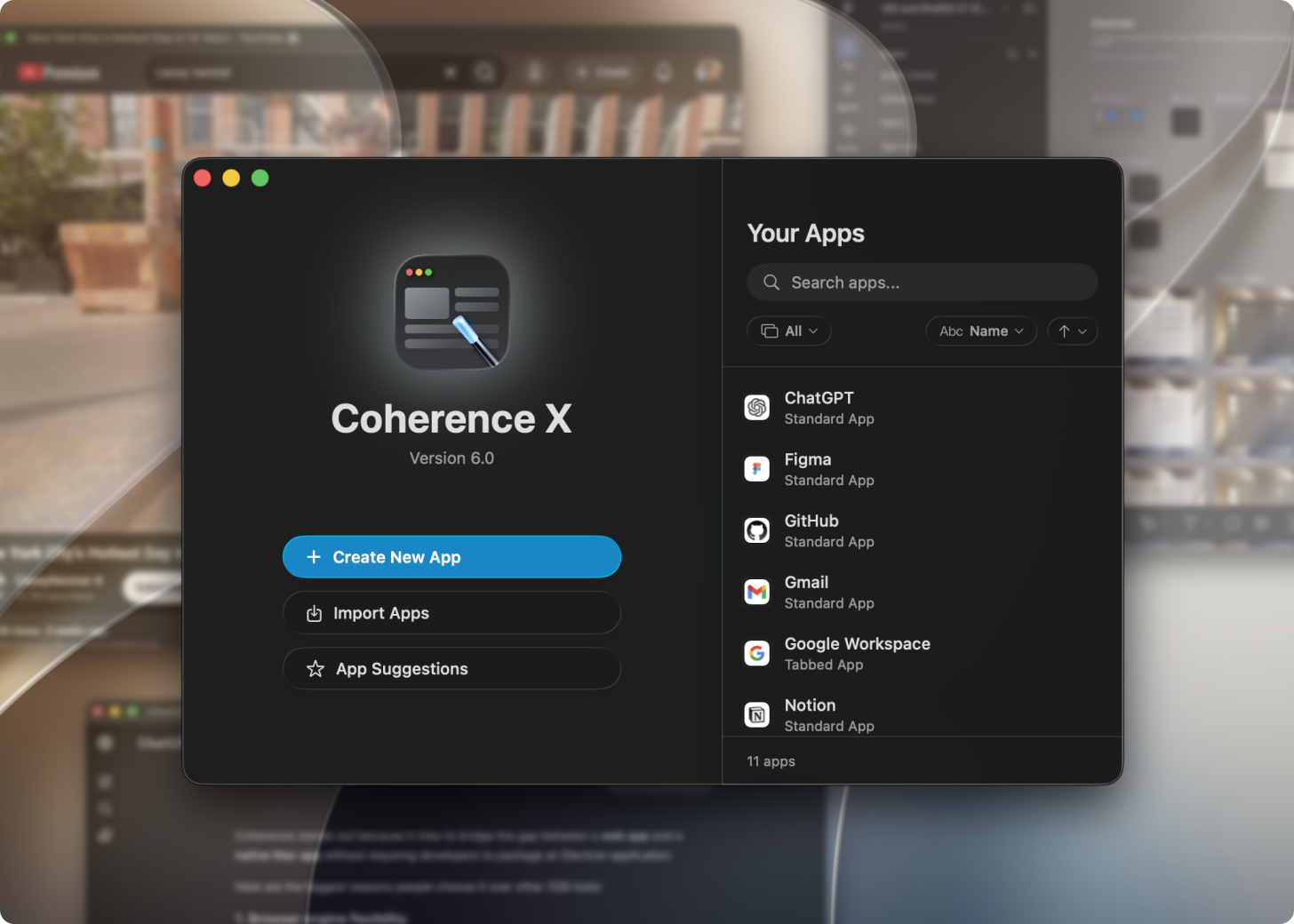
Today, we’re excited to introduce Coherence X6 - the biggest update in Coherence’s 10-year history.
When Coherence first launched in 2016, it pioneered a new approach to site-specific browsers, using Chrome as the engine behind each app. Those early generations worked, but the underlying process was messy: creating an app essentially meant copying Chrome again and again, resulting in enormous app bundles and interfering with things like browser updates.
Over the years, the Coherence engine became smarter, while the Coherence Extension brought increasingly native behavior to the apps it created. But a few stubborn quirks remained: running apps couldn’t simply be dragged into the Dock, Stage Manager displayed the wrong icon, and duplicate Dock icons could appear.
With Coherence X6, we’ve made a breakthrough in the engine at the heart of Coherence. Those longstanding quirks are finally gone, and apps are now lighter, faster, more secure, and better integrated with macOS than ever before.
And the new engine is only the beginning. We’ve completely redesigned the creation experience, added browser data and extension importing, rebuilt Link Forwarding, expanded the selection of supported browser engines, and replaced the time-limited trial with a free version you can use for as long as you like.
This is the Coherence we’ve wanted to build for a long time, and we can’t wait for you to try it. Users of Coherence X5, Unite Pro, and Quip can get 25% off for a limited time.
If you’d like to help us support our launch, it would be incredibly helpful if you could upvote us on ProductHunt:

Thank you for your continued support and we hope you like Coherence X6!
The All-New X6 Engine
The biggest change in Coherence X6 is the one you may not immediately see.
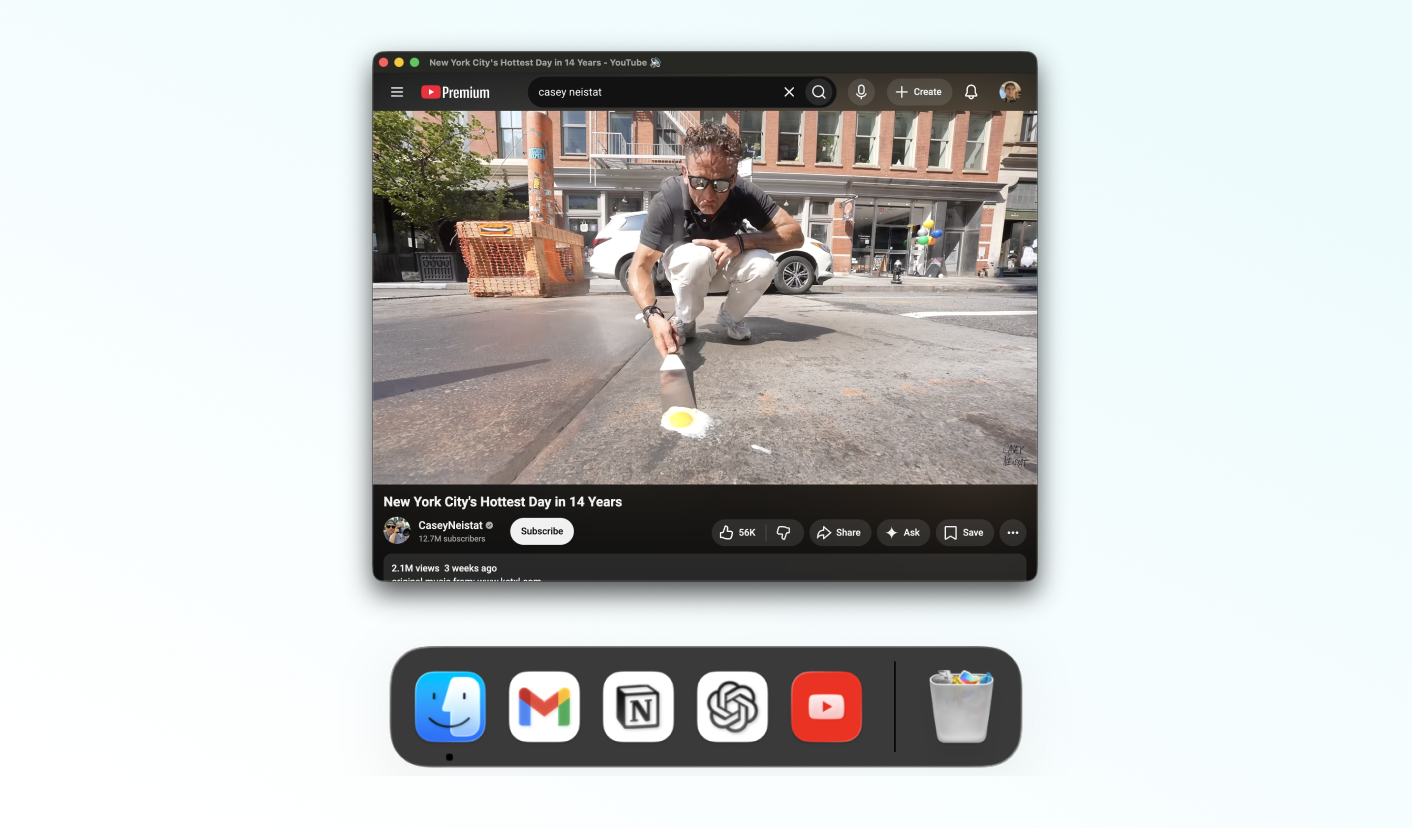
We’ve built an entirely new engine for creating and running Coherence apps. The new architecture produces smaller, more self-contained app bundles that run directly from their own location.
Beyond improving performance, this eliminates many long-standing quirks associated with browser-based Mac apps:
Drag Coherence apps into the Dock just like any other Mac app
Apps group correctly in Stage Manager
The correct app icon appears throughout macOS
Duplicate Dock icons are eliminated
Apps are smaller, lighter, and faster to launch
App bundles are more portable and self-contained
A Completely Redesigned Creation Experience
Creating an app in Coherence has been reimagined from beginning to end.
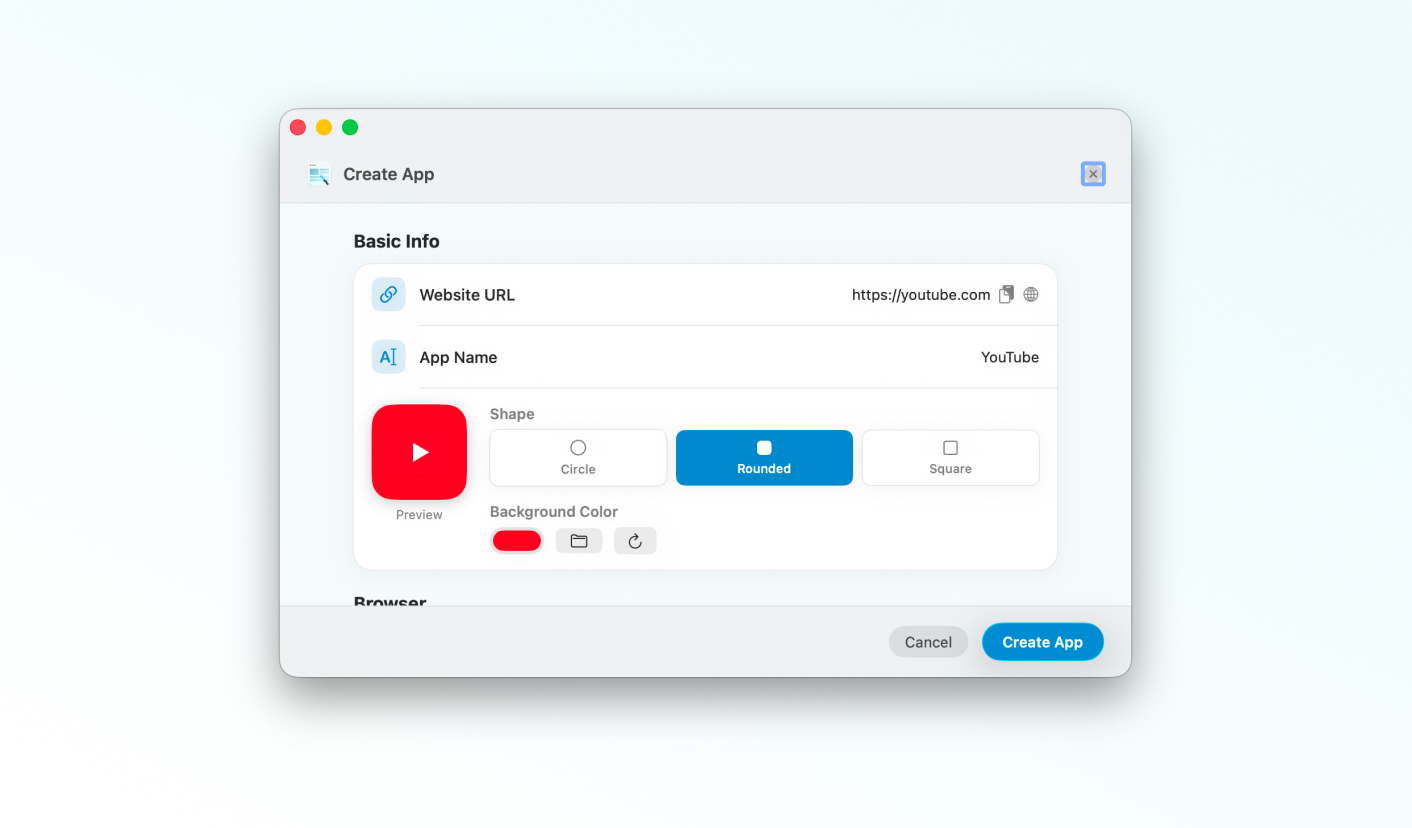
The old popup wizard is gone. In its place is a single, beautiful Liquid Glass creation canvas built directly into the main Coherence window.
Every important option is visible in one place, making it faster and easier to go from a URL to a finished Mac app.
The new creation tool also includes:
A clearer, more streamlined layout
Faster icon discovery
Built-in browser data importing
Per-extension import controls
An integrated Link Forwarding rules editor
Improved keyboard navigation
Better feedback throughout the creation process
Full Chromium Security Sandbox
Coherence apps no longer launch with flags that disable Chromium’s security sandbox or enable testing behavior.
Every app created with Coherence X6 now runs with Chromium’s security sandbox enabled, providing the same underlying protection as the browser itself.
There’s nothing to configure. Apps created with the new engine are more secure by default.
Bring Your Extensions With You
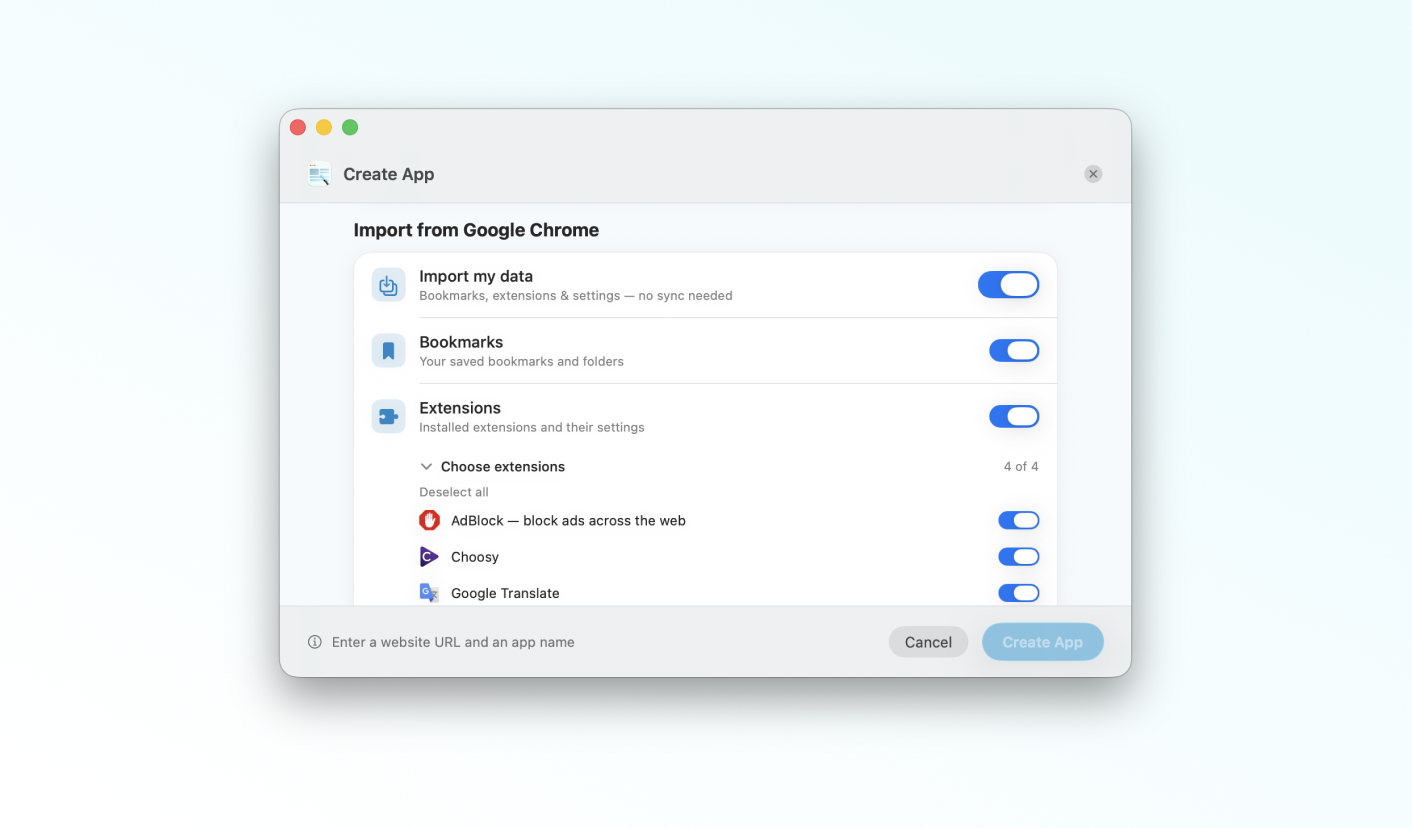
Coherence X6 can import the extensions you already use in your browser.
During creation, you can choose extensions individually and bring over only the ones that make sense for that app. That means your password manager, productivity tools, content blockers, and other essentials can be ready from the moment the app opens.
It’s an easier way to create an app that is already tailored to how you work.
Import Data From Your Browser
Coherence X6 can also import existing browsing data into an app while you create it, helping the app feel familiar from its very first launch.
Your original browser profile is left untouched. Coherence copies the selected data into the new app’s isolated profile, so the app remains independent from your everyday browser.
Link Routing
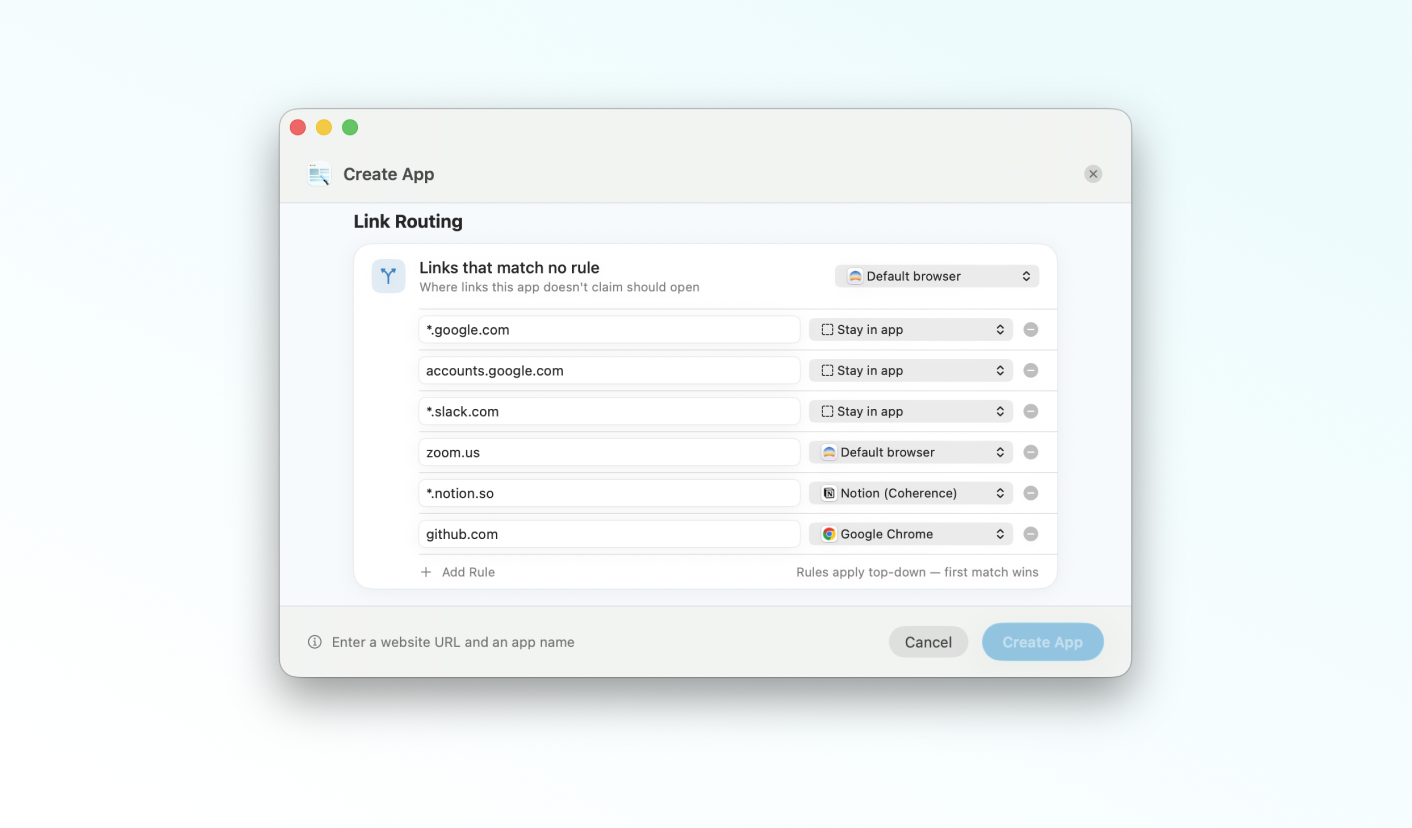
Link Forwarding is one of Coherence’s most important features: it determines which links remain inside your app and which should open in your default browser.
In Coherence X6, we rebuilt it from the ground up as Link Routing.
A new visual rules editor is now part of the creation tool, giving you direct control over where links open. You can create rules based on the sites and URLs that belong inside an app, while sending everything else back to your any other browser or Coherence app.
Link Routing rules are no longer managed in the extension. They are managed centrally by Coherence and applied to your apps live. You can update their behavior at any time without recreating the apps.
The new engine also handles links opened directly by web pages - including source links opened by services such as ChatGPT - making Link Forwarding far more consistent across modern websites.
Vivaldi, Helium, and Browser Engines
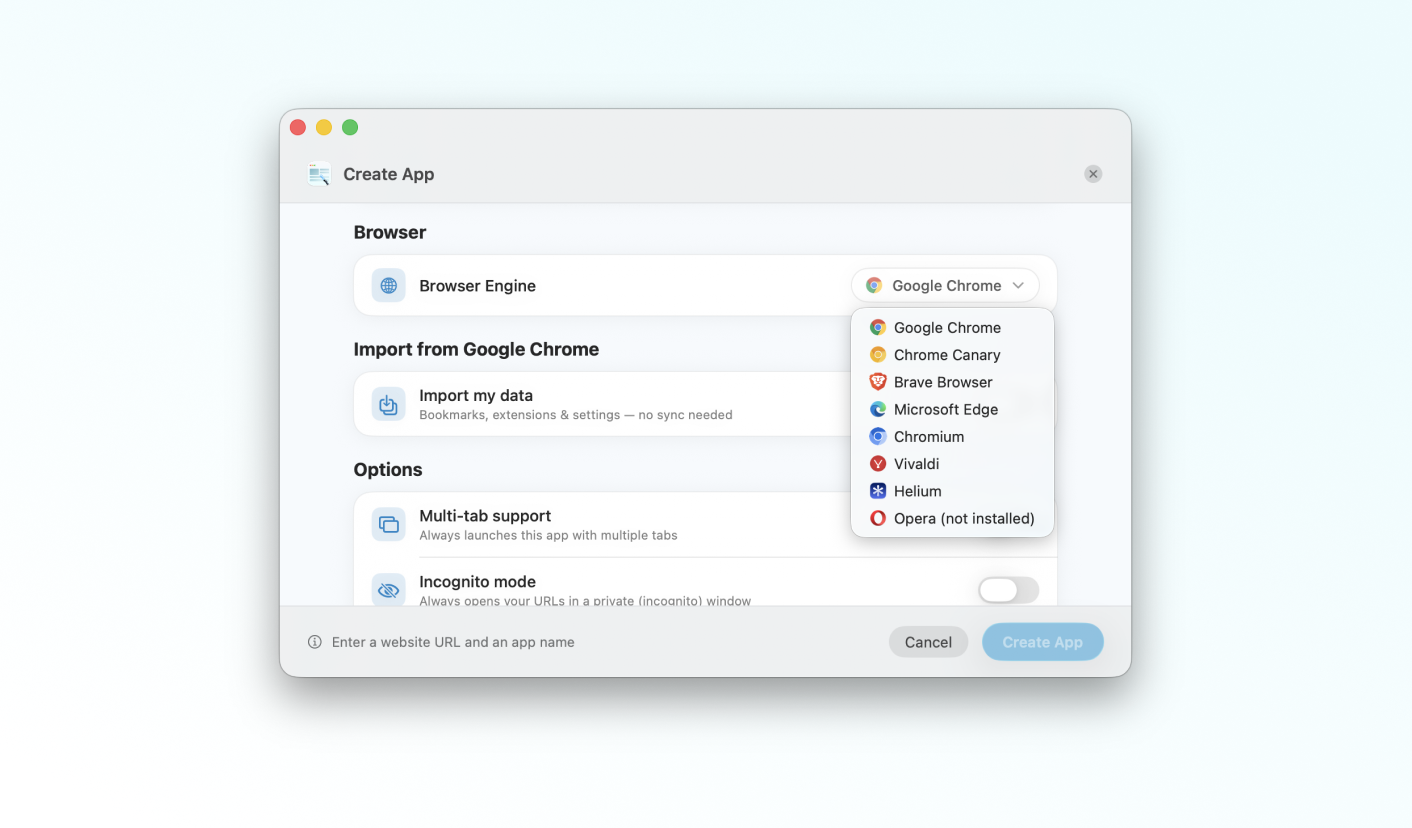
Coherence X6 gives you even more freedom to choose the browser engine behind your apps.
Two new options join the lineup:
Vivaldi, for users who want a highly customizable Chromium foundation
Helium, for a lightweight and streamlined browsing engine
We’ve also improved support for Chromium-based browsers across the board, including Chromium and Ungoogled Chromium.
And for Brave users, Coherence X6 resolves issues that could previously cause apps to crash during launch or stop working after a Brave update.
So much more!
Coherence X6 includes improvements throughout the entire app. Here are just a few more:
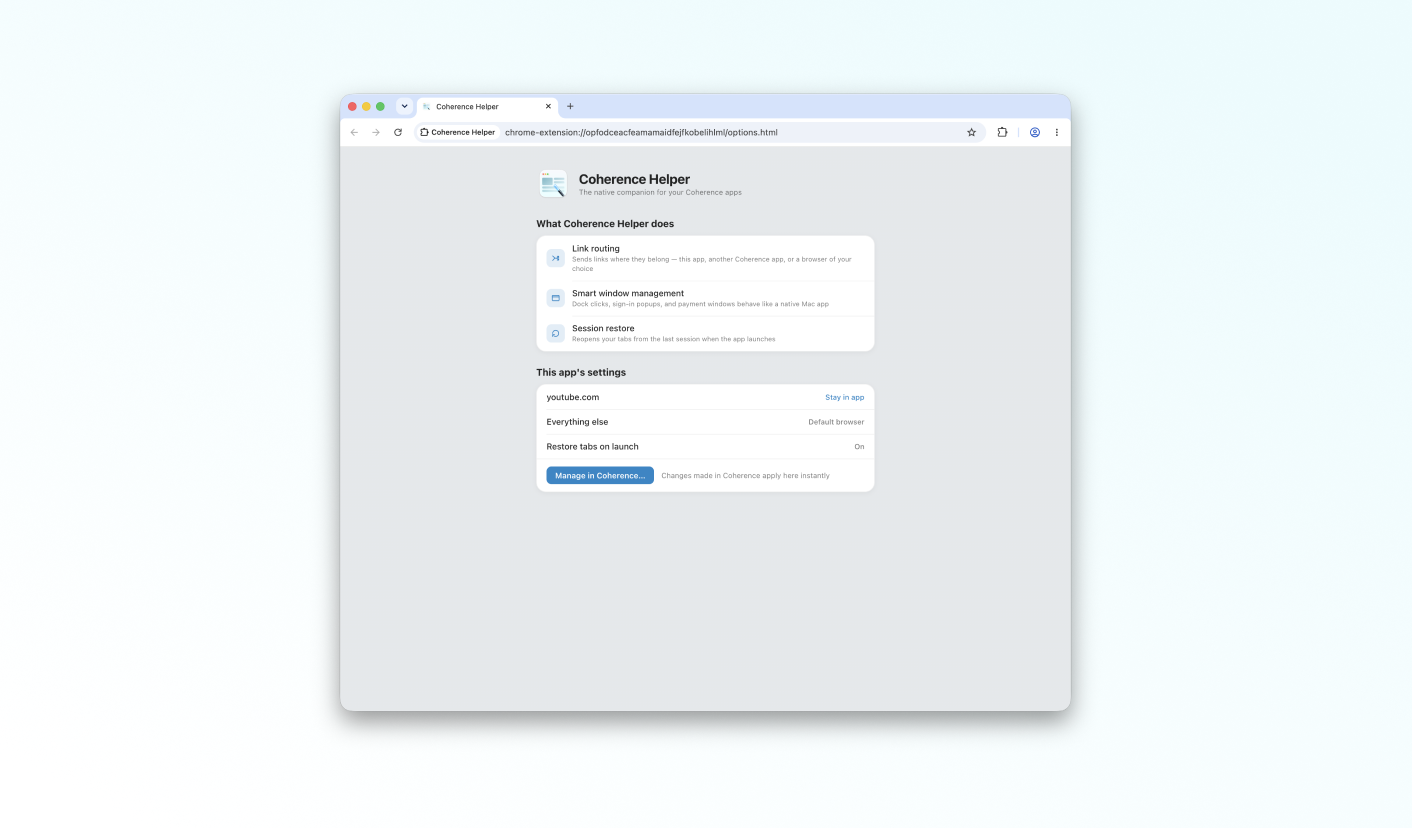
All-New Coherence Extension: Rebuilt from the ground up to power Link Forwarding 2.0, with a redesigned options page and deeper integration with Coherence.
Automatic Extension Setup: The Coherence Extension is installed automatically in every new app, managed entirely through Coherence, and kept up to date without any manual setup.
One Free App, Forever: The 14-day trial is gone. Coherence now lets you create and use one app for as long as you like, with no time limit. Upgrade whenever you’re ready to create more.
Smarter Icon Fetching: Icon lookup now works correctly with websites on custom ports and quickly skips unreachable icons, keeping app creation fast.
Leaner and Faster: Coherence itself is smaller and faster—and thanks to the new engine, every app it creates is lighter too.
Bug Fixes and Polish: Dozens of refinements, from improved keyboard navigation and a cleaner app library to more reliable app creation, make Coherence smoother than ever.
Upgrade Pricing for Coherence Users
If you’re using Coherence X4 or X5, you’re eligible for a discounted upgrade to Coherence X6. Upgrade now and unlock the most powerful version of Coherence ever at a special launch price.
📖 Learn more about Coherence X6
Thank you for being part of the Coherence community! As always, we’re excited to hear your feedback and help you get the most out of your Mac.
Enjoy Coherence X6!
Please do not reply directly to this email. Contact us if you need assistance with anything!